
If you need dated keyword positions without paying a monthly cloud subscription, SEO PowerSuite Rank Tracker is a sensible fit for a site owner, freelancer, or in-house SEO team that can keep a desktop application running. Its main tradeoff is the desktop workflow: scheduled checks depend on your computer, the application, and saved project files staying available.
Rank Tracker measures selected search results for chosen keywords, search engines, locations, languages, devices, and dates. It does not promise traffic, clicks, conversions, or a future Google position. Use the free licence with your own keywords first, then compare the workflow with a cloud trial before paying.
Key takeaways
- Rank Tracker is a Windows, Apple, and Linux application, not a hosting service or browser-only tracker.
- It supports desktop and mobile checks, local tracking down to a street address, competitor monitoring, and historical data.
- The free licence suits evaluation; Professional is for in-house use, while Enterprise adds client reporting and exports.
- Professional and Enterprise are annual subscriptions with automatic renewal and a published no-refund policy.
- Compare the same search engine, location, language, date, and device before treating two ranking checks as comparable.
Who Rank Tracker fits
You use Rank Tracker to answer a practical question: where does a page appear for the keywords that matter to your site? You create a project, enter your website and keywords, pick the search engines and locations, and run a check. The results are saved as historical data, so you can run the same check again later and see what moved.

It tracks Google, Bing, Yahoo, YouTube, Baidu, Naver, Yandex, and other engines. SEO PowerSuite's download page lists 597 supported search engines and version 8.51.13 as of November 9, 2026, and the total can change.
This suits a small-business owner checking service-area phrases, a blogger watching a group of topic pages, or a freelancer managing several client projects. It also helps when Google desktop and mobile results need separate measurements, or when you want to see rankings from another city or neighborhood.
Local settings run from a country down to a state, city, neighborhood, or street address. Mobile tracking is set up as a separate Googlebot Mobile search engine.
The product is not web hosting. Storage, bandwidth, email, SSL, backups, migrations, uptime guarantees, and domain registration belong to a host. If you are choosing hosting for the site you are measuring, start with how to choose a web host.
What Rank Tracker costs
You are paying for a licence and its workflow, not for hosting or per-keyword credits. These are the standalone Rank Tracker terms on SEO PowerSuite's pricing page, checked November 9, 2026:
The annual figures are paid upfront. The monthly equivalents are a way to compare the annual commitment, not a monthly payment option. Before you buy, open the 2Checkout order details or ask SEO PowerSuite for the renewal amount, and compare that full annual commitment rather than the monthly figure.
The free licence is ongoing evaluation, not a time-limited trial. SEO PowerSuite also describes a separate seven-day trial of paid features, available through support. Neither is a money-back window.
Purchases and renewals are not refundable under the published policy. Cancelling stops future renewal but does not refund unused time, and it must be completed through the 2Checkout account. An email or phone call alone does not cancel.
To compare the wider suite before choosing a licence, read SEO PowerSuite Pricing: Free, Professional and Enterprise Explained. If Rank Tracker fits a paid workflow, see SEO PowerSuite's current plans.
How Rank Tracker checks Google and local rankings
A ranking is a measurement of one search result, not a universal position every visitor sees. Start by defining the site, target country, search engines, languages, devices, and first keyword group. Add the pages you expect to rank and record the starting positions.

For a useful comparison, keep the keyword spelling, search engine, date, rank-checking mode, language, location, and device the same each time. A Google desktop check from one city should not be compared with a mobile check from another. A position also does not show whether the page earned traffic or a customer.
Rank Tracker can scan the top 10, top 50, or top 1,000 results. That setting controls search depth, not how many keywords you can enter.
Local tracking helps when a business serves a defined area. It can expose the gap between a national result and what a customer sees near the business.
Checks can run monthly, weekly, or daily, with recurrence rules for frequency, day, and time. The desktop application cannot start by itself, though. Your computer must stay awake, Rank Tracker must stay running or minimized, and the project files must stay accessible. A cloud service runs on the provider's systems, so that is a real difference.
Safe Query Mode sends supported simple checks through SEO PowerSuite's private servers and rotating proxies, and the vendor says paid versions enable it by default. Some advanced checks stay outside it, including certain Yandex, Mail.ru, DuckDuckGo, and Wp.pl checks, some search-engine competition checks, and some suggestion methods. The route can affect CAPTCHA exposure, speed, and consistency, so confirm the checks you need are covered.
Use Google Search Console alongside Rank Tracker. Search Console reports first-party impressions, clicks, and average position for a verified site. Rank Tracker queries selected search results and can track competitors, locations, and engines outside your verified property.
Keyword research, competitors and search-volume data
You may want the tracker to do more than record positions. The keyword-research module includes Ranking Keywords, Amazon suggestions, Google suggestions, Google related searches, Google Ads Keyword Planner, Related Questions, Keyword Gap, TF-IDF analysis, keyword combinations, competitor research, and keyword grouping.

A practical workflow is to group keywords by topic, assign each group to a target landing page, add relevant competitors, and compare the tracked pages with the results. That shows whether the page ranking is the page you meant to rank, instead of treating every position as equally useful.
Paid versions use the SEO PowerSuite Keyword Index by default for SEO and PPC data, so a connected Google Ads account is not required. The free version needs your own Google Ads account for that data, and a personal account can return volume ranges such as "100 to 1K," especially if it is new or low-spending.
Search-volume figures draw on Google Ads data such as average monthly searches, impressions, and forecast metrics, and SEO PowerSuite says it applies a private normalization formula. Data from Ranking Keywords, Keyword Gap, and Competitor Research is stored in the Keyword Index.
The pricing pages list no separate per-keyword credit price for these research methods. Before you build a large process around keyword research, confirm the licence and any account-specific data charges at checkout.
Free, Professional or Enterprise: which edition fits
Choose the free licence while you are still deciding whether the application suits your work. Use your own representative keywords, one target location, and the devices your audience uses. See whether saved projects, one competitor per project, scheduled tasks, report printing, and keyword research cover your first workflow.
Professional fits an in-house site owner or team that needs more projects and five competitors per project. Its printed reports carry watermarks, so it is a weaker fit when client-facing documents are part of the job.
Enterprise fits client work, where scheduled reports, email delivery, CSV, SQL, HTML export, and unwatermarked printing matter. It allows forty competitors per project. The product page advertises unlimited keyword tracking, but ask SEO PowerSuite to confirm capacity for your keyword list, locations, and schedule before you pay.
The edition choice is also a choice about how you work. If your computer cannot stay awake with Rank Tracker running, scheduled checking may not suit you. Start with the free licence, then run the same project in a cloud trial before committing.
The difference between the evaluation licence and the paid editions is laid out in SEO PowerSuite Free vs Paid: What the Free Version Can Do.
Rank Tracker versus a cloud tracker like Semrush
The choice is mainly between a dedicated desktop tracker on an annual licence and a browser-based SEO suite on a recurring subscription. Rank Tracker is a focused measurement tool. Semrush Position Tracking is one part of a broader cloud toolkit that also covers keyword research, audits, backlink tools, and competitor research.
Semrush's SEO plan costs $139 a month, or $117.33 a month billed annually (about $1,408 a year before tax), checked November 9, 2026. Plan details change, so check the current page before purchase.
The comparison is not like for like. Rank Tracker's standalone editions focus on rankings and keyword research, while Semrush bundles Position Tracking into a larger platform with daily updates, device data, and website targets. Its browser model also means no computer has to stay awake for scheduled checks.
Rank Tracker is the closer fit when you want a free tier or an annual standalone licence and can manage a desktop application. Semrush may suit you better when several people need browser access, when you want one recurring platform for several SEO jobs, or when a sleeping computer would disrupt scheduled reporting.
Compare the locations you need, the update schedule, device support, reporting, website targets, shared access, and the full renewal cost. For a longer cost and feature comparison, read Semrush vs SEO PowerSuite: Pricing and Which Fits You.
The desktop tradeoffs, refund terms and setup requirements
Choosing Rank Tracker means taking on a small operational task. The application runs on Windows, Apple, and Linux, and the project files must stay available for later checks. A sleeping computer, a moved project folder, or a closed application can interrupt the schedule.
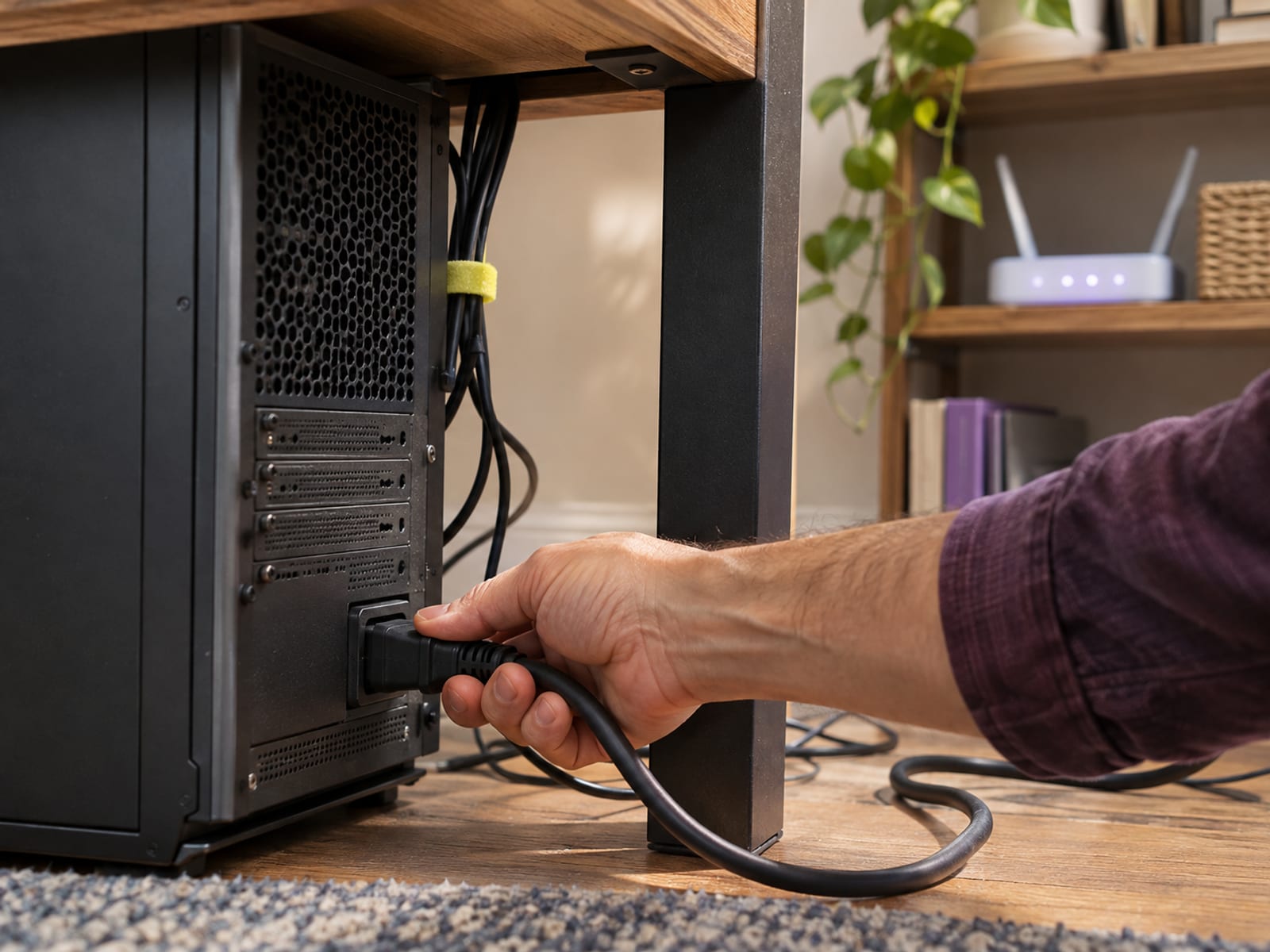
The desktop model gives you control over the project and avoids a required monthly cloud subscription. It also means automated reporting is not fully hands-off, so confirm current support availability before you rely on scheduled reports.
The purchase terms matter just as much as the setup. Professional and Enterprise renew automatically by default, and purchases and renewals are not refundable. Review the 2Checkout renewal amount and cancellation controls before paying, and treat the policy as no-refund unless your checkout terms give you a different written right.
What to do before you pay
Begin with a representative project rather than a large keyword import. Run the same keywords in the free version, and compare results only when the configuration matches. Then work through the steps below.
Open the 2Checkout order details or ask SEO PowerSuite for the renewal amount, then confirm any account-specific data charges before you buy. If the desktop workflow is not a fit, look at SEO PowerSuite alternatives, including cheaper and cloud options.
Frequently asked questions
How do you track SEO ranking?
Create a Rank Tracker project, enter the website and keywords, select the search engine, location, language, and device, then run an update. Save the results as historical data and repeat the check with the same settings so the measurements remain comparable.
What is the best rank tracker software for SEO?
There is no single best choice for every site. Rank Tracker fits people who want desktop software, local and mobile checks, competitor tracking, keyword research, and an annual licence, while a cloud tracker fits people who want browser access and provider-run schedules.
How much does SEO PowerSuite cost?
The standalone Rank Tracker editions checked November 9, 2026 were Free at $0, Professional at $179 a year, and Enterprise at $419 a year. Professional and Enterprise renew automatically by default, so check the current renewal amount in the 2Checkout or customer account.
What is the best SEO ranking tool?
The right tool depends on the data you need. Rank Tracker checks selected search results and competitors, Google Search Console reports first-party impressions and clicks for a verified site, and a cloud suite may combine rankings with audits, backlink data, and competitor research.
How do you find your ranking?
Choose the exact keyword, search engine, country, language, location, and device before running the check. Do not compare a localized or mobile result with an unlocalized desktop browser search.
Is there a free tool to check SEO rank?
Rank Tracker has a free licence for ongoing evaluation. Its listed free features include one competitor per project, saved projects, scheduled SEO tasks, CAPTCHA-free query processing, clipboard copying, and report printing.
What is the best rank tracker tool for a small site?
Rank Tracker's free licence is a practical starting point for a small site that wants to avoid a monthly subscription. Test the project with your own keywords first, then compare the desktop setup and reporting needs with a cloud trial.
What is SEO PowerSuite?
SEO PowerSuite is a suite of SEO applications. Rank Tracker handles rankings and keyword research, WebSite Auditor handles technical and on-page auditing, SEO SpyGlass handles backlink analysis, and LinkAssistant handles link prospecting and outreach.
Can you do SEO yourself?
Yes. You can create a keyword list, assign keywords to pages, inspect rankings, compare competitors, and monitor changes without hiring an agency. The software does not replace decisions about search intent, content quality, technical fixes, links, or business priorities.
Does Rank Tracker replace Google Search Console?
No. Search Console reports first-party impressions, clicks, and average position for a verified site. Rank Tracker queries selected search results and adds competitor, location, device, and alternative-search-engine tracking.
Does Rank Tracker run automatically in the cloud?
No. It is a desktop application, and scheduled checks require the application to remain running or minimized, the computer to stay awake, and the project files to remain accessible.
Glossary
Find more reviews and guides on Even Reviews. Spotted something to correct? Contact us and include the page title.