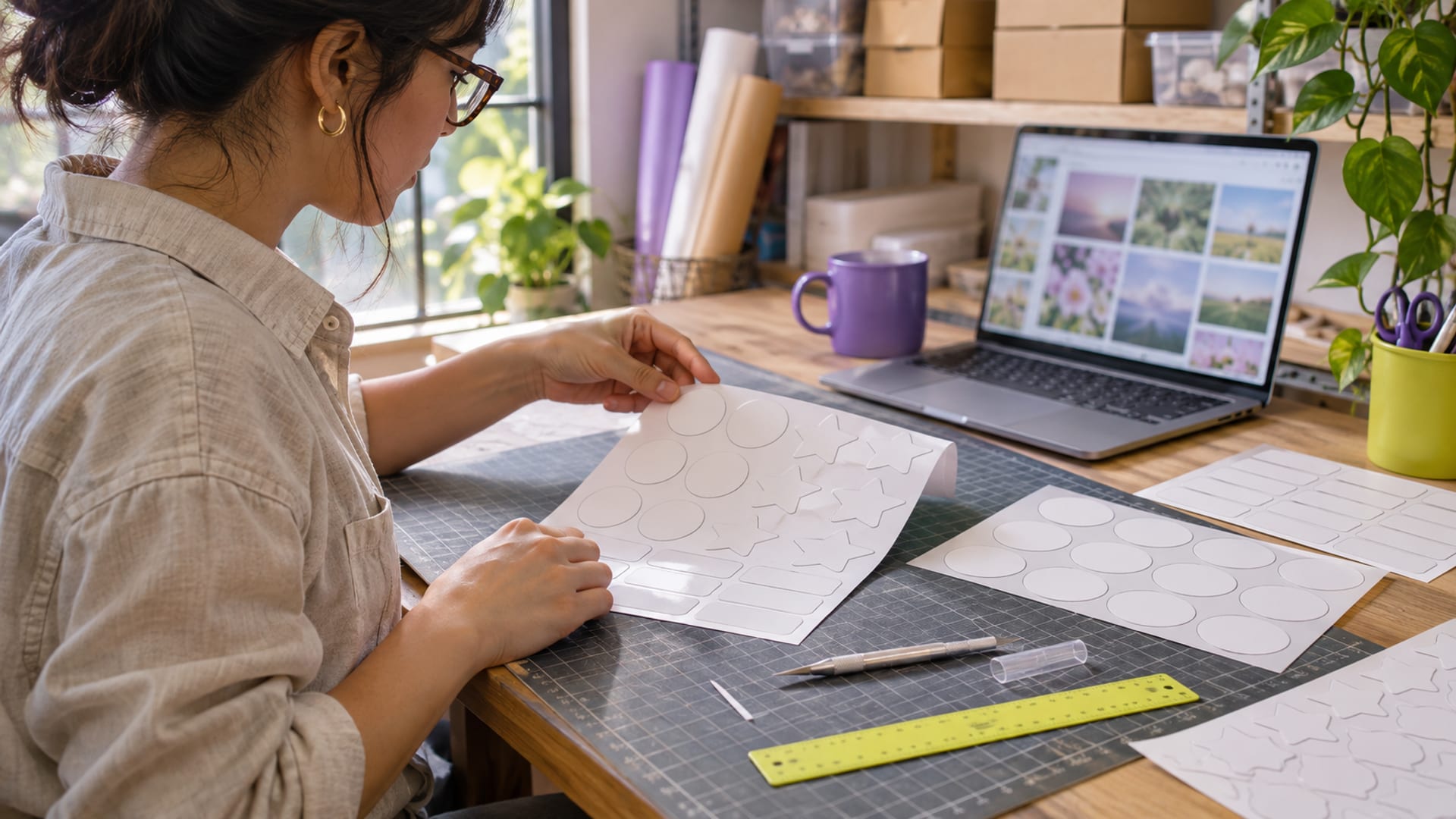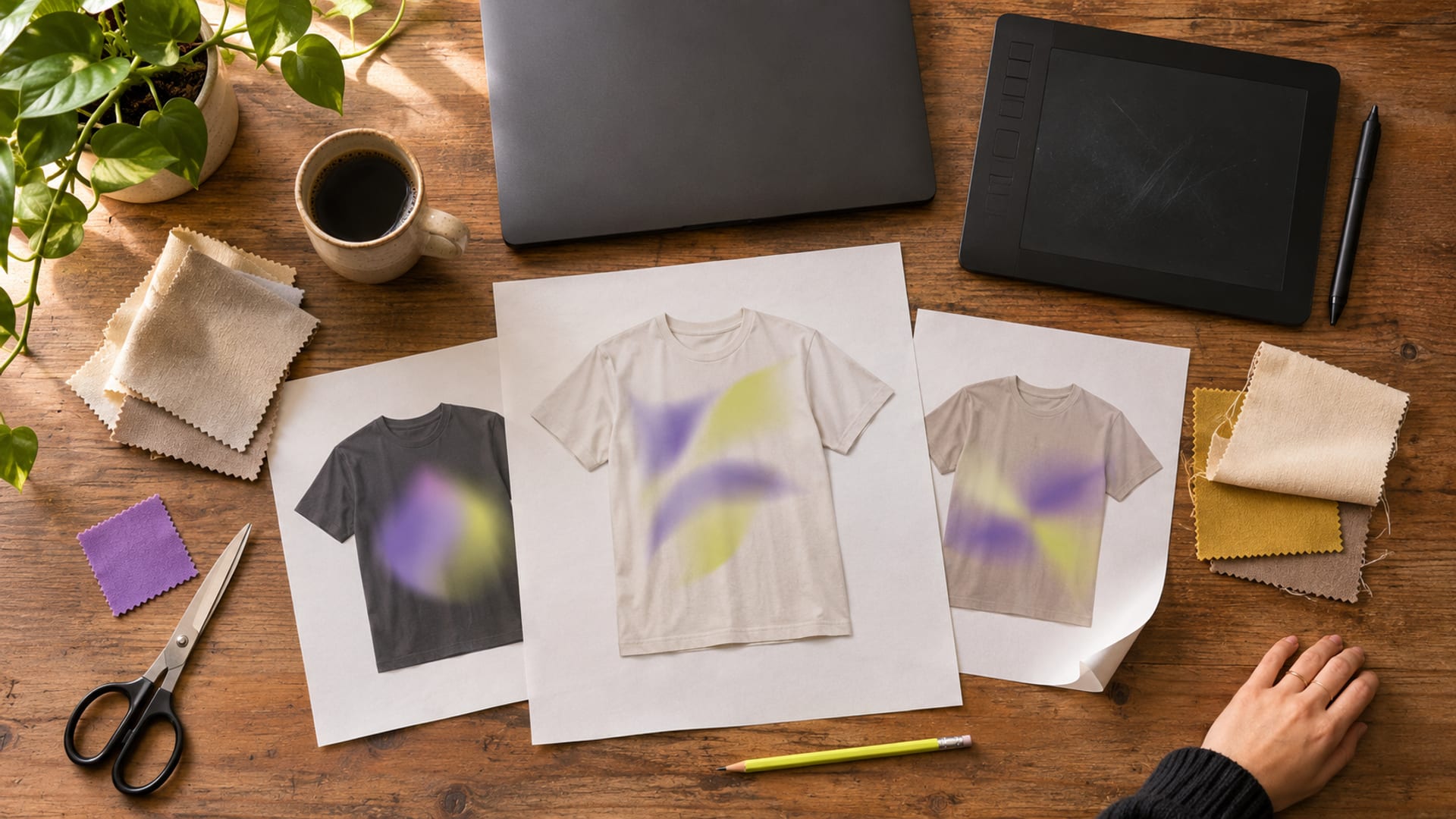
Choose the tool around the file you must deliver, not around the largest template library. Canva fits fast social graphics, presentations, brand kits, and team work. Kittl is a stronger match for merchandise and typography, Photopea suits free browser editing, Figma suits collaborative interface work, and Adobe Express suits social, video, documents, and presentations.
Before paying, define one real output. Write down the platform and dimensions for a social post, the file type and printer requirements for merchandise, the delivery format for a presentation, or the users and approval steps for a brand kit. Then compare that same test brief in two or three tools.
Key takeaways
- Choose by the design job, export requirement, account preference, and commercial licence.
- Canva fits template-led social, presentation, brand, and team workflows.
- Kittl fits print-on-demand work, typography, mockups, and merchandise.
- Photopea is a strong free browser editor when you want to save files locally.
- Confirm renewal terms, commercial rights, storage, seats, exports, and cancellation before paying.
Which design tool fits your job: social graphics, merchandise, presentations, or brand kits?
For social graphics, start with Canva, Adobe Express, VistaCreate, or Kittl. Canva and VistaCreate are template-led, so they suit repeated posts where you need brand colors, reusable layouts, and quick resizing. Adobe Express adds social, video, document, and presentation work. Kittl is a good fit when the social design depends on lettering, apparel-style graphics, or a print-ready look.
For merchandise such as shirts, stickers, book covers, and posters, Kittl, Canva, Adobe Express, and Photopea cover different needs. Kittl is aimed more directly at typography, mockups, and print work. Canva has a wider general-purpose workflow. Adobe Express supports PDF Print output. Photopea is useful when you need detailed image editing or PSD compatibility, but it does not provide Canva’s large template, brand, and scheduling system.
Presentations and visual reports need a different decision. Canva, Visme, Figma Slides, and Adobe Express can all support presentation work, but confirm what the recipient needs. A PDF is different from a PowerPoint file, and both are different from an editable link. Figma is more suitable when several people need to work together on structured screens or presentation files.
Brand kits require more than a logo upload. List the fonts, colors, logos, templates, number of users, and approval process first. Canva Free includes 5 GB of storage and one Brand Kit. Canva Pro includes 100 GB and five Brand Kits. VistaCreate includes one Brand Kit on its free Starter plan, while Adobe Express, Visme, and Kittl place their own limits on assets, users, or paid features.
For a free tool with little account dependence, try Photopea and save the working file locally. If the design must become part of a website or product, Polotno is an SDK for building an editor into software, not a normal design app for everyday posts.
What are the best free Canva alternatives, and what do they limit?
There is no single free replacement that gives Canva’s templates, brand tools, collaboration, exports, and commercial rights together. Photopea is the clearest choice for free browser-based image editing. Photopea says users keep ownership of their work, may sell work made in the editor, and can work with files on their device. Its limit is workflow fit: it is an editor, not a large template and scheduling platform.

Figma’s Starter plan is free and permits business or personal use under its current terms. It includes unlimited drafts and collaboration on up to three files, with each file limited to three pages. That is useful for a small interface or presentation project, but less convenient for a large library of editable client files.
Penpot provides a free, open-source self-hosted edition with unlimited users, teams, and files. The tradeoff is technical responsibility. Self-hosting requires Linux, Docker knowledge, infrastructure, updates, and administration. It suits a team that wants control over its project data, not someone who wants to make a quick social post.
Visme Basic is free without a time limit or credit card, but it limits downloads and assets. Visme Basic and Starter are for personal use, while Business and Enterprise permit commercial use. Kittl Free is also for personal use only, so it is not the right free plan for paid client work or merchandise sold by a business.
VistaCreate’s free Starter plan includes more than 100,000 templates, 1 million assets, one Brand Kit, and social scheduling. Its licensing policy permits business projects and commissioned on-demand work, but it restricts transferring, reselling, or sublicensing designs except for commissioned work.
Microsoft Designer requires a Microsoft account and is licensed for personal, non-commercial use under the stated consumer terms. Use it for personal work unless the current Microsoft terms expressly permit the business or merchandise use you intend.
Free plans, free trials, and free editors are separate choices. Canva Free is an ongoing free plan. Adobe’s 30-day Express Premium trial bills after the trial unless cancelled, while its Firefly Pro trial is listed as seven days. Polotno’s 30-day trial is for evaluation and internal development, not production or public deployment.
How do Canva, Kittl, Adobe Express, and VistaCreate compare for paid work?
Canva is the broadest fit when one account must handle social graphics, presentations, brand kits, storage, resizing, background removal, scheduling, and team work. Canva Pro is listed at $144 per year in the US for one person, with $144 due upfront, an effective monthly figure of $12 across 12 paid months, and renewal at the then-current annual price. The price was checked November 7, 2026. Canva Free is $0 on an ongoing basis, with no paid renewal.
Canva Pro includes 100 GB of storage and five Brand Kits. Canva Business includes 500 GB and 100 Brand Kits, and is listed at $250 per year per person in the US, checked November 7, 2026. Confirm the current Business or Teams checkout page for the price, billing interval, renewal amount, and seats before subscribing.
Kittl is the stronger conditional pick for print-on-demand, typography, mockups, and merchandise. Kittl Free is personal use only. Kittl says Pro and Expert provide commercial licensing for up to 500,000 copies of an individual design. Its documented export workflow supports PDF and JPEG in CMYK, PNG and SVG in RGB, and recommends 300 DPI for print. Its accessible pricing page shows monthly and yearly billing with automatic renewal, but the exact plan prices require confirmation on the current US checkout page.
Adobe Express suits a user who wants social graphics alongside video, documents, presentations, and Adobe Stock assets. Its free plan includes 345,000 or more templates, 510,000 Adobe Stock photos, and limited AI features. Adobe Express supports PDF Print with CMYK, crop marks, and bleed. Adobe’s 30-day Express Premium trial is separate from a free plan and bills after the trial unless cancelled. Confirm the current US checkout total, billing interval, renewal amount, and licence tier before purchase.
VistaCreate is a practical choice for template-led social work. Its free Starter plan includes more than 100,000 templates, 1 million assets, one Brand Kit, and social scheduling. The paid Pro tier adds a larger library, advanced features, and team access, but its exact US price should be confirmed on the plan page before paying.
The direct recommendation is simple. Choose Canva when one broad workspace matters most, Kittl when the final product is merchandise, Adobe Express when documents and video are part of the same workload, and VistaCreate when social scheduling and templates matter more than advanced production control.
Which file settings do print-on-demand designs need?
Start with the printer’s specification, then choose the export. For a shirt, sticker, book cover, or other merchandise, confirm the required file type, transparent background, pixel dimensions, DPI, and whether the printer accepts RGB or requires CMYK.
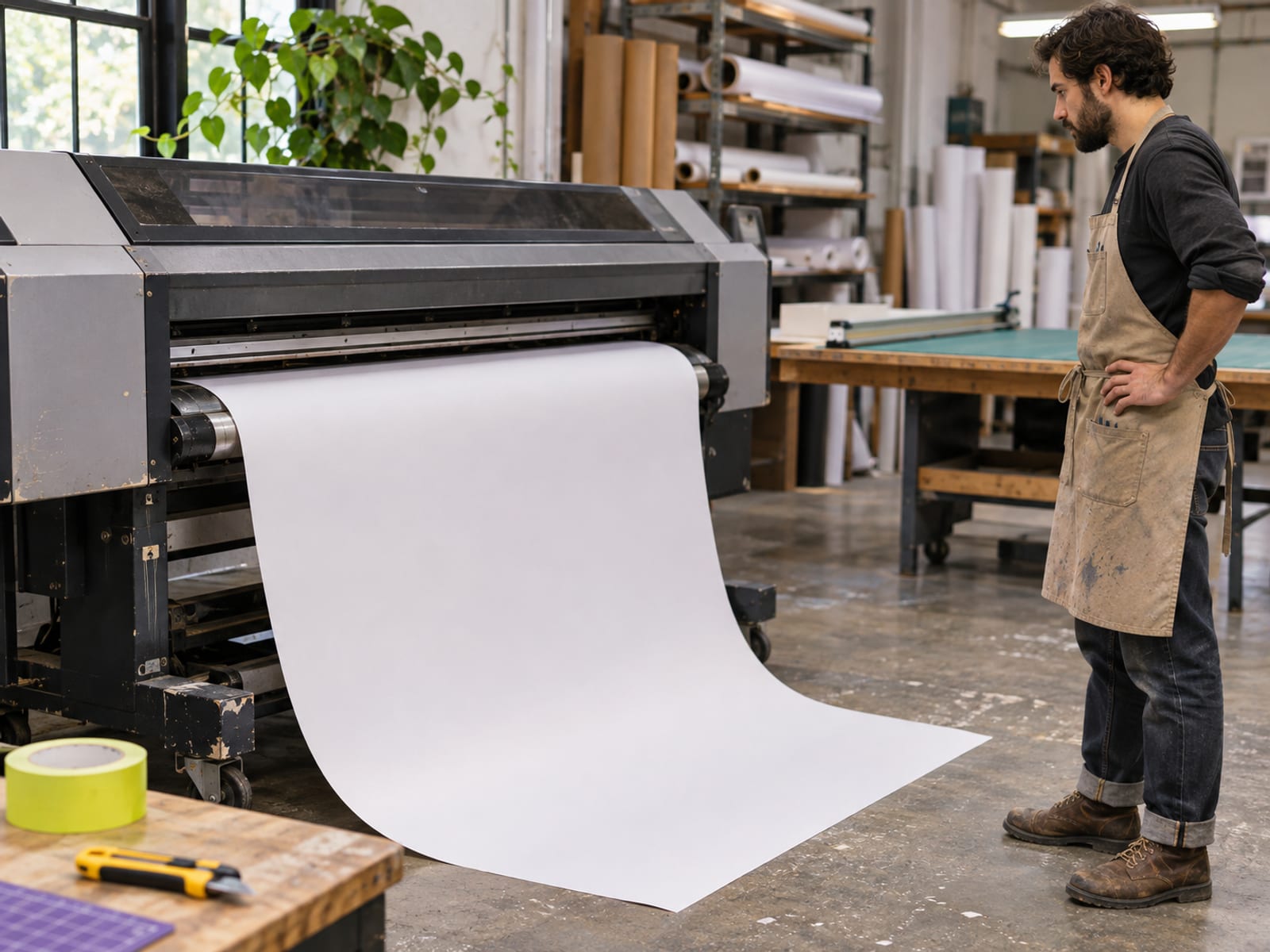
DPI means dots per inch, and it affects how much detail a raster image can hold at its final size. A 300 DPI file is a common print target, but 300 DPI alone does not make a file print-ready. The placed image still needs enough pixels, and the document may need bleed, safe margins, suitable fonts, and correct dimensions.
Canva PDF Print is designed for 300 DPI and supports bleed, crop marks, and RGB or CMYK color selection. Kittl supports PDF and JPEG in CMYK, PNG and SVG in RGB, and recommends 300 DPI for print. Kittl Pro supports PNG and JPG exports up to 10,800 pixels at 300 DPI, along with vector PDF and SVG exports. Adobe Express supports PDF Print with CMYK and crop marks or bleed.
SVG is vector-based, so it does not use a DPI setting in the same way a PNG or JPEG does. An SVG can scale without losing the sharpness of its vector shapes, but raster images placed inside an SVG or PDF still need suitable resolution.
Transparent PNG is useful when the printer needs a cutout design without a background. PDF is often better for documents and print layouts. SVG is useful for scalable logos and shapes. Confirm the printer’s required profile, then convert or preflight the final file in a print-production tool. A file can contain CMYK and 300 DPI and still fail because of low-resolution placed images, missing bleed, unsuitable transparency, or incorrect dimensions.
Which tools fit presentations, brand kits, collaboration, and open-source work?
Canva is the most convenient all-purpose choice when you need presentation templates, brand controls, shared assets, approvals, and social content in one account. Its Pro plan is $144 per year in the US for one person, with $144 due upfront, an effective monthly figure of $12 across 12 paid months, and renewal at the then-current annual price, checked November 7, 2026. Compare that annual price with the premium assets, storage, brand tools, exports, and scheduling features you will actually use.

Figma fits collaborative interface work and structured design files. Its Professional Full seat is $16 per month in the US on annual billing and $20 per month on monthly billing, checked November 7, 2026. Its Dev seat is $12 per month on annual billing and $15 on monthly billing, and its Collab seat is $3 per month on annual billing and $5 on monthly billing. The free Starter plan is more limited, with three collaborative files and three pages per file.
Visme fits presentations, infographics, and reports. Its Starter plan is $147 per year in the US, billed annually, with $147 due upfront, an effective monthly figure of $12.25 across 12 paid months, and annual renewal at the current $147 price. Its Business plan is $297 per year (12 x $24.75 = $297), with an effective monthly figure of $24.75 and annual renewal at the current $297 price. Both figures were checked November 7, 2026. Commercial use requires Business or Enterprise.
Penpot fits teams that want open-source, collaborative vector and interface work. Its self-hosted Professional edition is free forever. The team must operate the Linux and Docker infrastructure, so the financial cost is not the whole commitment. Penpot’s hosted Enterprise information also displays $25 per member per month and a self-hosted starting figure of $950 per month, but deployment and minimum commitment require confirmation.
What should you confirm about commercial use, ownership, trademarks, and selling designs?
Commercial use does not mean every element inside a design becomes yours. Canva’s Content License Agreement gives users licences to use Canva content, while the restrictions for that content continue to apply. Pro content is licensed for use in one Canva Design and cannot be distributed as a standalone item. Canva also says library content generally cannot be used in a trademark, except for fonts, simple shapes, and lines.
That matters for logos, product marks, and merchandise. A template or stock illustration may work in a social post but may not give you the rights needed for a standalone logo or trademark. Confirm the licence for each important asset before selling a design or registering a mark. Disney templates and elements have additional personal, educational, and print-use restrictions.
Kittl Free is personal use only. Kittl says Pro and Expert provide commercial licensing for up to 500,000 copies of an individual design. That limit matters if a design becomes a large merchandise run. Kittl is therefore a conditional pick for paid work, provided the plan and copy limit match the intended sale.
Visme Basic and Starter are personal-use plans. Commercial work requires Business or Enterprise. Microsoft Designer’s consumer version is licensed for personal, non-commercial use with a Microsoft account, so it should not be the default for business graphics unless the current terms expressly allow the intended use.
VistaCreate permits business designs and commissioned on-demand work, but its licensing policy restricts transferring, reselling, or sublicensing designs or rights to third parties except for commissioned work. Photopea says users own work made in its editor and may sell it without sharing revenue. That still does not give you ownership of a third-party photo, font, or image opened in the editor.
For a client project, keep the editable source file, identify third-party assets, record the plan used, and confirm whether the client needs a transferable licence. The tool may give you permission to make a design, while the asset owner controls a separate set of rights.
What renews, what requires a login, and what should you confirm before paying?
Paid plans generally renew according to the selected billing interval. Kittl says subscriptions renew monthly or annually and can be cancelled from account settings, with access continuing through the billing period. Visme says paid features remain active until the current billing period ends after cancellation. Adobe says subscriptions automatically renew until cancelled.

Canva Free is $0 and ongoing. Canva Pro is $144 per year in the US for one person, with $144 due upfront, an effective monthly figure of $12 across 12 paid months, and annual renewal at the then-current annual price, checked November 7, 2026. A Canva Pro or Business free trial is separate from Canva Free and may change to paid billing after the trial.
Figma requires an account for its hosted workflow. Photopea provides a browser editor and says opened files remain on the user’s device, which suits someone who wants to save the working file locally. Penpot self-hosting still requires technical administration, even though the software edition is free forever.
Before subscribing, confirm:
- The checkout total and billing interval.
- The renewal amount and date.
- The number of seats and whether seats renew together.
- Commercial rights, export limits, storage, and premium asset rules.
- Cancellation, refund, and trial-conversion terms.
Also confirm the current settings if the workflow requires non-generative tools. Canva, Kittl, Adobe Express, VistaCreate, Visme, Microsoft Designer, and Figma document AI features or AI-assisted capabilities. Photopea also presents AI image-editing features, while Penpot describes future AI-related administration features as coming soon. Do not assume a product is permanently AI-free. Check the current settings and avoid AI features when the project requires non-generative work.
Should you choose Kittl or Canva for your next project?
Choose Canva when the project is broad and repeated: social posts, presentations, brand kits, approvals, storage, resizing, and scheduling. Canva Pro costs $144 per year in the US for one person, with $144 due upfront, an effective monthly figure of $12 across 12 paid months, and annual renewal at the then-current price, checked November 4, 2026. Its tradeoff is that library-content licences, standalone asset use, and trademark restrictions need careful attention.
Choose Kittl when the final output is a shirt, sticker, poster, book cover, logo concept, or other typography-led merchandise. Kittl’s print documentation gives clearer direction for CMYK PDF and JPEG, RGB PNG and SVG, and 300 DPI work. Its tradeoff is commercial licensing. Kittl Free is personal use only, while Pro and Expert allow commercial use up to 500,000 copies per individual design. See Kittl’s current plans and confirm the US price, renewal, and licence tier before paying.
Create one representative test brief this week. For social work, include the platform, dimensions, colors, and scheduling need. For merchandise, include the printer’s file requirements. For a presentation, include the required PDF, PowerPoint file, or editable link. If the decision is mainly about print-on-demand, continue with the Kittl review for pricing, free-plan limits, and fit. If you need a direct product choice, compare Kittl vs Canva for print on demand, logos, and merch.
Frequently asked questions
Is there a 100% free alternative to Canva?
Yes. Photopea offers free browser editing, Figma has a free Starter plan, and Penpot offers a free open-source self-hosted edition. Their limits differ: Figma limits collaborative files and pages, Penpot requires Linux and Docker knowledge for self-hosting, and Photopea does not provide Canva-style brand kits or scheduling.
Why don’t professional designers use Canva?
Some do, especially for social content, presentations, brand kits, and team workflows. Others choose specialized tools when they need advanced vector editing, interface design, image editing, prototyping, production controls, or color management.
Who is Canva’s biggest competitor?
There is no single documented winner. Adobe Express overlaps with Canva across templates, social content, video, documents, and AI-assisted design, while VistaCreate overlaps in templates, assets, brand kits, and scheduling. Figma is a stronger competitor for interface and collaborative product work.
What is the best substitute for Canva?
The right substitute depends on the output. Kittl fits merchandise and typography, Adobe Express fits social and document work, Figma fits collaboration and interfaces, Visme fits presentations, Photopea fits free image editing, and Penpot fits open-source vector and interface work.
What replaces Canva?
A combination may replace Canva better than one product. Photopea can handle image editing, Figma or Penpot can handle vector and interface work, and Adobe Express or VistaCreate can handle template-led social content.
What are the downsides of using Canva?
The main limits are plan restrictions, export differences, and licence rules for library content. Canva library content generally cannot be used as a standalone item or as a trademark, except for fonts, simple shapes, and lines.
Can I call myself a graphic designer if I use Canva?
Yes, using Canva does not decide a person’s professional title. The relevant questions are the quality of the work, the skills provided, the services sold, and the client’s expectations.
Does Canva own your designs?
Canva’s licence gives users permission to use Canva content subject to its restrictions. Library elements are not automatically owned by the user simply because they appear in a design, so check the asset licence before selling, transferring, or trademarking the work.
Is Canva or Wix better?
They solve different problems. Canva is primarily a visual-design platform, while Wix is primarily a hosted website builder. Choose Canva for graphics, presentations, social content, and print layouts, and choose Wix when the immediate need is a hosted website.
Is Canva Pro worth it in 2026?
It is more defensible when you regularly need premium assets, resizing, background removal, brand kits, scheduling, larger storage, and paid export controls. The value is weaker for occasional editing or work that needs standalone asset ownership or trademark-friendly licensing.
Do people use Canva professionally?
Yes. Canva describes business, team, brand-management, collaboration, storage, approval, and support features on its pricing information. Professional use still requires checking the licence for each asset and the plan’s commercial terms.
Find more reviews and guides on Even Reviews. Spotted something to correct? Contact us and include the page title.