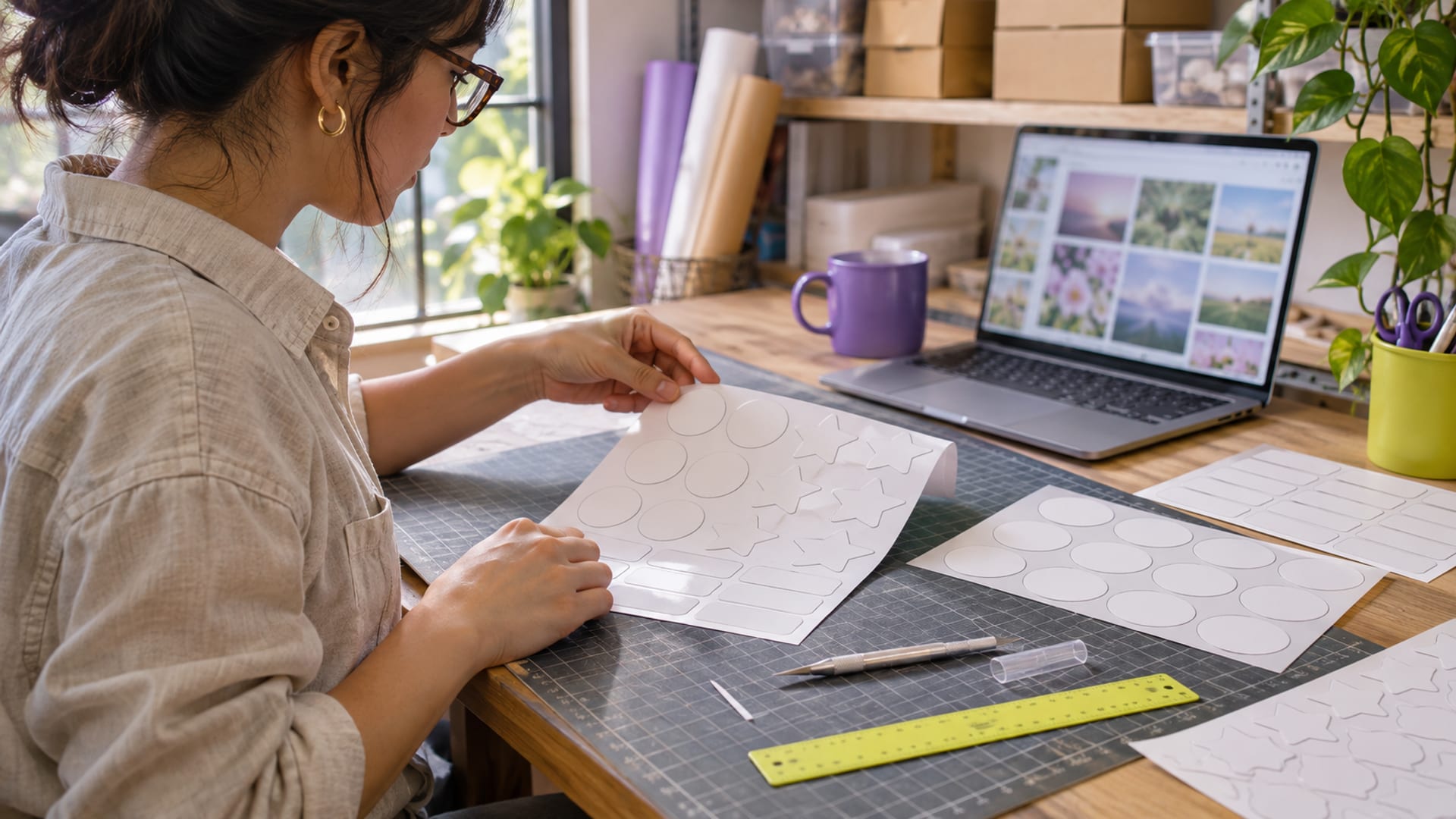
For print-on-demand merch, Kittl is the stronger fit when you need print-focused exports, built-in mockups, AI tools and a clearly stated commercial licence. Canva is the better fit when you already use its editor, need PDF Print controls, or want a broader general design workspace. Neither is web hosting, so judge them by export, licensing, AI, price and workflow fit, not uptime or server performance.
Start by defining the product, the file format your printer accepts and your expected volume. Use a free plan to learn the editor, then confirm commercial rights before selling. Before paying, compare the full billing term, automatic renewal, AI allowance, export limits and licence restrictions.
Key takeaways
- Pick Kittl for print-focused exports, mockups, AI tools and a direct Printful workflow.
- Pick Canva for PDF Print controls, a general-purpose editor and an established app ecosystem.
- Kittl Free is for personal, non-commercial use, while Canva requires an original combined design for permitted POD use.
- Stock graphics and logo templates from either platform are not exclusive trademark assets.
- Store final artwork locally before cancelling, then review current billing and third-party-service terms.
Which Tool Fits Your Merch, Logo or Print-on-Demand Job?
Choose Kittl if your first job is producing t-shirt artwork, apparel mockups or print files with transparent backgrounds. Kittl Pro includes PNG and JPG exports up to 10,800 pixels at 300 DPI, PDF and SVG vector exports, transparent backgrounds, premium assets and 2,000 monthly AI tokens. Its paid licence allows commercial physical products, including t-shirts, mugs, posters and print-on-demand products.
Choose Canva if you want one editor for merch, social graphics, presentations and other business materials. Canva Pro supports transparent PNG and SVG exports, plus PDF Print at 300 DPI with bleed, crop marks and RGB or CMYK selection. That PDF control can matter when a printer wants a press-ready document rather than a transparent image.
For a logo, neither platform's reusable library content should become the distinctive trademark element. Canva says original logos may use your own graphics, Canva fonts, simple shapes and lines. Kittl says designs made with your own uploads or paid-plan AI images may be trademarkable, while Kittl Content cannot be registered as a trademark or used as a trademark element.
The practical verdict is conditional. Pick Kittl for a focused merch workflow and Printful connection. Pick Canva if your work extends across many business design tasks and your printer needs PDF Print settings. If a logo is the main job, create original elements outside the reusable stock libraries, then check trademark advice for your jurisdiction.
Kittl vs Canva: Print-Ready Export Formats Compared
Kittl Pro gives you transparent PNG and SVG exports, along with PDF and JPG files. Kittl lists PNG and SVG exports as RGB. Kittl CMYK is available for PDF and JPEG, which gives you a colour-managed option when a print provider requests it. The 300 DPI setting and high pixel limit are useful for large apparel artwork, but you should still match the export to the provider's upload rules.
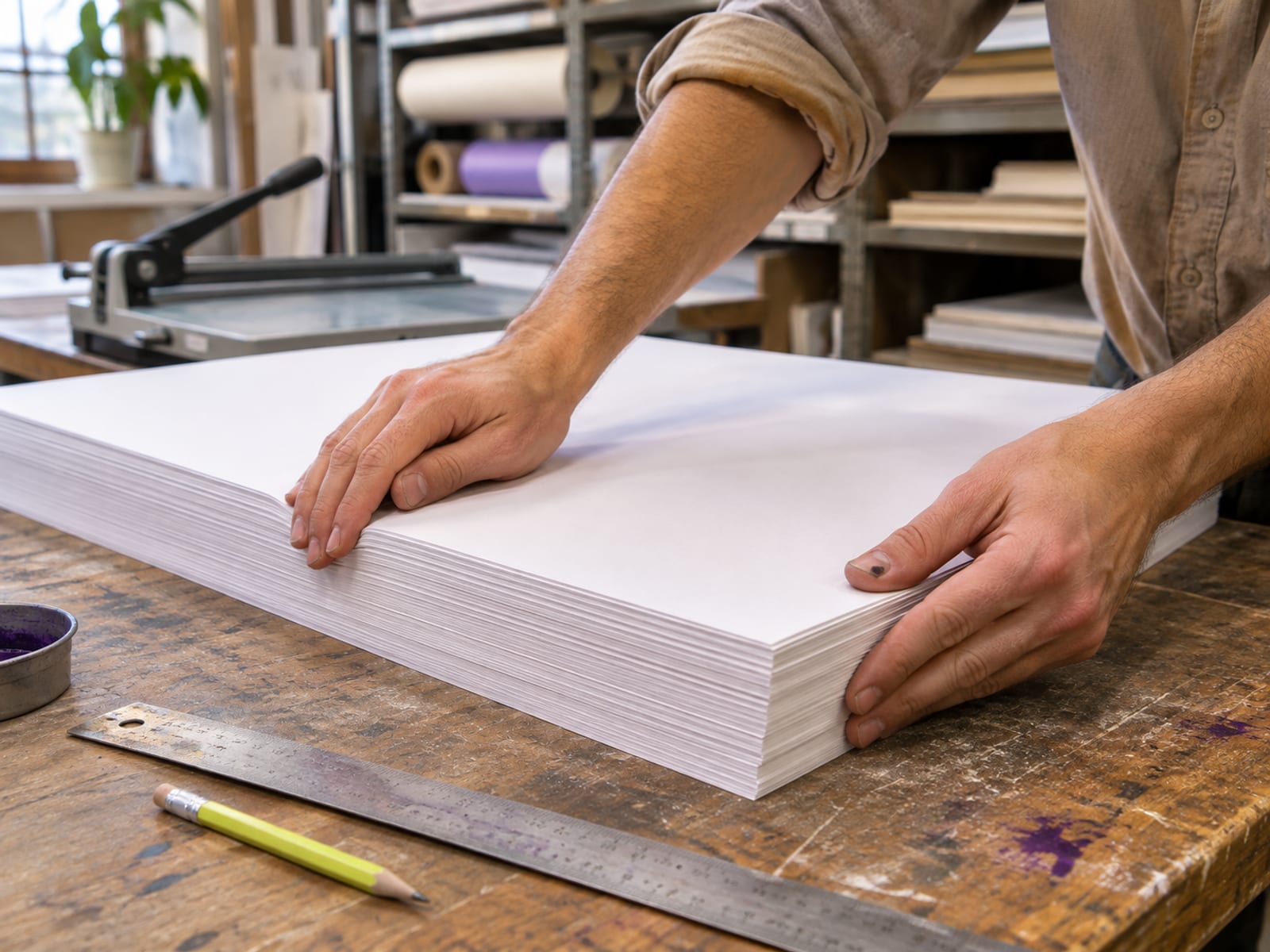
Canva Pro supports transparent PNG and SVG exports and PDF Print at 300 DPI. Canva's PDF Print settings include bleed, crop marks and RGB or CMYK selection. Bleed extends artwork beyond the trim edge, while crop marks help a printer identify where the finished page should be cut. Those controls are more relevant to posters, packaging and other printed sheets than to every t-shirt upload.
A transparent PNG is often suitable for a direct-to-garment upload, while SVG is useful when a provider accepts scalable vector artwork. A PDF may be the better choice for a print shop that asks for colour and trim controls. Confirm the exact file type, dimensions and copyright declaration with your fulfillment provider before publishing products.
Kittl's documented export and mockup tools make it the more direct choice for a small POD catalogue. Canva's PDF controls make it attractive when the same design work will also go to business print. Compare Kittl and Canva by the requirements of your products, not by a market-ranking claim.
What Kittl and Canva Cost in the US
The following prices are US prices read on November 7, 2026. Taxes may apply. Both services can change pricing, and both use automatic renewal on the selected billing term. Check the renewal amount at checkout, and treat the renewal as the then-current price for the same monthly or annual term shown at checkout. Compare that renewal price before paying.
Kittl Pro is the sensible paid starting point for most individual merch sellers. It supplies the print exports, transparent backgrounds, commercial use and 2,000 monthly AI tokens without requiring the Expert tier. Expert raises the AI allowance to 12,000 monthly tokens plus 200 daily tokens, so it fits a higher-volume workflow rather than a casual trial.
Canva Pro costs less on the listed annual commitment, at $144 due upfront for one year, but its paid AI allowance is described as about 10 times the Free allowance and varies by tool and task. Canva's Free plan lists up to 20 Standard or Premium AI uses depending on the task. Kittl Free lists 100 one-time AI tokens, but its Free-version Kittl Content is limited to personal, non-commercial use.
For a low-risk trial, use the free tier to learn the editor and make test designs. A free tier is not the same as a free trial or a money-back window. Canva may offer a free trial with eligibility and duration set by Canva, and the trial converts to paid billing unless cancelled before it ends. Check Kittl's terms for any money-back window before you pay.
If Kittl's commercial licence and print workflow fit your products, see Kittl's current plans after checking the annual renewal price and taxes at checkout.
What Can You Sell on T-Shirts and Merch?
Kittl's paid plans allow commercial physical products, including t-shirts, posters, mugs and print-on-demand products. Kittl Pro and Expert limit each design to 500,000 printed copies or expected viewers. The Max plan removes that limit, so check the Max price and its current checkout terms on Kittl’s pricing page if your expected volume could approach the Pro or Expert limit.
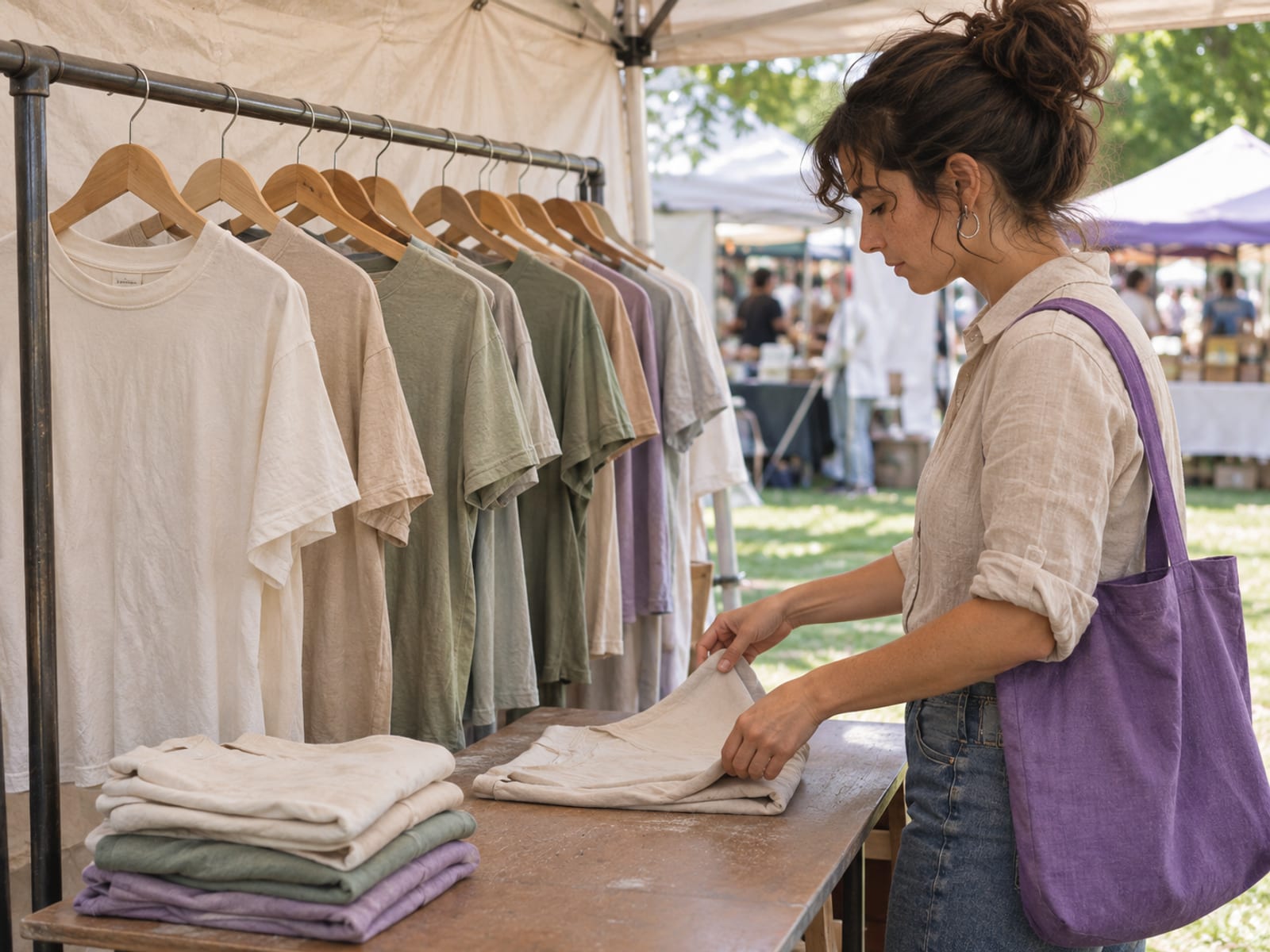
Kittl Free works differently. Kittl's licence terms restrict Free-version Kittl Content to personal, non-commercial use. A free design can help you learn the editor, but it should not be placed on a product you sell unless the licence for every element gives you that right.
Canva permits original designs that contain Free or Pro Content on products such as t-shirts, mugs, posters and stickers. The design must be more than a library element placed on a blank product. Canva does not permit selling Canva Content by itself or with only minimal changes. A single stock illustration printed on a shirt is therefore a poor basis for a commercial product.
Canva's POD permission also depends on the fulfillment provider requiring only the right to use the design, not ownership of copyright in Canva Content. That distinction matters because a provider may ask you to confirm that you own the artwork or have permission to use each element. Confirm the current app connection and the fulfillment provider's copyright declaration before uploading a product.
Keep these questions beside each design:
- Did you add original wording, layout, illustration or other meaningful creative work?
- Does every stock element have a commercial-use right on the plan you selected?
- Does the design stay within Kittl's 500,000-copy limit if you use Pro or Expert?
- Does the fulfillment provider accept the file and licence arrangement?
Kittl Content and Canva library content cannot be resold as standalone stock graphics. Names, characters, brands, public figures and recognizable protected material need separate rights analysis. Neither platform promises that an AI result is free from third-party copyright or trademark rights.
The practical pick is Kittl for a seller who wants a stated paid-plan merchandise licence close to the print workflow. Canva fits a seller who can build an original combined design and wants to keep using Canva's wider business editor. In both cases, the licence follows the actual elements and the plan, not simply the fact that you exported a file.
How Do Logo Design, Trademark Rights and AI Images Work?
A logo needs more than a file with a transparent background. It needs elements that your business can use in an exclusive brand identity. Reusable stock graphics, library illustrations and logo templates are not exclusive, so they are unsuitable as the distinctive basis for trademark registration.

Canva says original logos may use your own graphics, Canva fonts, simple shapes and lines. It does not give you exclusive ownership of Canva library content. Canva AI-generated images may be used for lawful purposes under Canva's AI terms, but copyright ownership may be unclear. That makes AI useful for drafts and visual direction, while a business seeking a defensible logo should create or commission original elements and check the result separately.
Kittl says Kittl Content cannot be registered as a trademark or used as a trademark element. It also says designs made with the user's own uploads and/or paid-plan AI images may be trademarkable. Paid-plan AI images can be used commercially, but Kittl does not guarantee that an output avoids third-party copyright or trademark rights.
That difference gives Kittl a clearer stated path for a logo built from your own assets or paid-plan AI output, but it is not a guarantee of registration. A generated image can resemble an existing mark, character or protected artwork. Search the proposed name and visual identity, keep records of your original source files, and obtain professional trademark advice when the brand will carry substantial value.
For merch, AI can help produce concepts quickly. For a logo, treat the output as a starting point unless you have confirmed that the final elements are original and legally usable. Store the editable project and exported files locally so a future plan change does not remove your working files.
Which Tool Fits a Mockup, Printful and POD Workflow?
Kittl has a documented Printful integration inside its editor and a built-in mockup generator for apparel, packaging, devices and other products. Premium mockups require Pro, Expert or Max. This gives Kittl the more direct workflow when you want to create artwork, place it on a product mockup and send it toward fulfillment from the same design environment.
Canva has a Canva Apps and integrations area, Canva Print and mockup features. Kittl has announced a Printful integration; check Canva’s apps and integrations area for a current official Printful or Printify workflow. That does not decide every seller's workflow, because many sellers export artwork and upload it directly to their chosen provider.
Before publishing, confirm that the fulfillment service accepts your intended PNG, SVG or PDF, and confirm whether it asks for copyright ownership or only permission to use the design. Check the app connection again if you rely on an integration, since third-party services can change their own terms.
Pick Kittl when fewer handoffs matter. Pick Canva when your team already works there and a manual export-upload step is acceptable.
What Renewal, Cancellation and Limits Matter Before You Pay?
Kittl automatically renews monthly or annually according to the selected term. Cancellation keeps paid access through the current paid period. Kittl says designs made under Pro or Expert can continue to be used commercially after cancellation if the account remains open, although premium export features may become locked.
Canva subscriptions also renew monthly or annually. Cancelling through Canva stops future payments while paid features remain available through the current billing cycle. Canva's terms generally do not refund fees already paid, although refund requests may be reviewed. Apple-billed subscriptions must be handled through Apple, and Google Play subscriptions must be cancelled through the relevant store.
Read the checkout terms before paying, then request cancellation or a refund through the original billing channel before renewal. Do not assume that deleting the app cancels a subscription. Check the account or app store that holds the billing relationship.
Export and store final artwork locally before cancelling. Keep the source files, transparent exports, print PDFs, licence records and mockups you may need later. Review the current billing and third-party-service terms as well, especially if your POD provider stores or modifies uploaded artwork.
For most individual sellers, pick Kittl Pro if print exports, mockups, AI tokens and a stated merchandise licence are the deciding factors. Pick Canva Pro if the lower annual listed price, PDF Print controls and wider business design workspace matter more. If you are still comparing workflows, use the Kittl review with plan, AI, export and licence details next, or compare other tools in Canva alternatives for free and paid design work.
Frequently asked questions
What do professionals use instead of Canva?
For print-on-demand, logos and merch, Kittl is a directly relevant Canva alternative because its paid plans combine commercial licensing, print-oriented exports, AI tools, premium templates and mockups. The choice depends on the required file format, licence and workflow, not on a general market-share ranking.
How much does a Kittl subscription cost?
Kittl lists Pro at $19 per month on monthly billing or $168 upfront for one year, equal to a $14 monthly figure. Expert is $49 per month monthly or $468 upfront annually, equal to $39 per month. These US prices were read on November 7, 2026, and the selected term renews at the then-current rate.
Is Kittl actually free?
Yes, Kittl Free is a $0 free tier with 100 one-time AI tokens listed on the current pricing page. Free-version Kittl Content is limited to personal, non-commercial use, so confirm paid commercial rights before selling products.
Can I legally sell things I make on Canva?
Canva permits original designs using Free or Pro Content on products such as t-shirts, mugs, posters and stickers. It does not permit selling Canva Content by itself or with only minimal changes, and the POD provider must require only the right to use the design rather than copyright ownership of Canva Content.
Who is Canva's biggest competitor?
For this print and merch use case, Kittl is a comparable alternative with paid commercial licensing, print exports, mockups and AI tools. Choose it for the features you need, not for popularity.
Is Canva Pro cheaper than Kittl Pro?
On the listed US annual prices read November 7, 2026, Canva Pro is $144 due upfront for one year, equal to $12 per month, while Kittl Pro is $168 upfront for one year, equal to $14 per month. Each renews at the then-current annual rate, so compare the checkout renewal price before paying.
Can Kittl designs be trademarked?
Kittl says Kittl Content cannot be registered as a trademark or used as a trademark element. It says designs made with your own uploads and/or paid-plan AI images may be trademarkable, but third-party rights still need separate review.
Can Canva logos be trademarked?
Canva library stock content and logo templates are not exclusive and are unsuitable for trademark registration. Canva says original logos may use your own graphics, Canva fonts, simple shapes and lines, but the finished mark still needs a separate trademark review.
Does Kittl work with Printful?
Kittl has a documented Printful integration inside its editor and includes a mockup generator. Confirm the current connection, accepted file types and Printful's copyright declaration before publishing products.
Does Canva provide CMYK export?
Canva Pro's PDF Print supports RGB or CMYK selection and includes bleed and crop-mark options. Kittl PNG and SVG exports are RGB, while Kittl CMYK is available for PDF and JPEG.
What happens after cancelling Kittl?
Kittl keeps paid access through the current paid period. Kittl says Pro and Expert designs can continue to be used commercially after cancellation if the account remains open, but premium export features may become locked.
Does cancelling Canva give a refund?
Canva's terms generally do not refund fees already paid, although refund requests may be reviewed. Cancel through the original billing channel, and handle Apple-billed or Google Play subscriptions through the relevant store.
Find more reviews and guides on Even Reviews. Spotted something to correct? Contact us and include the page title.