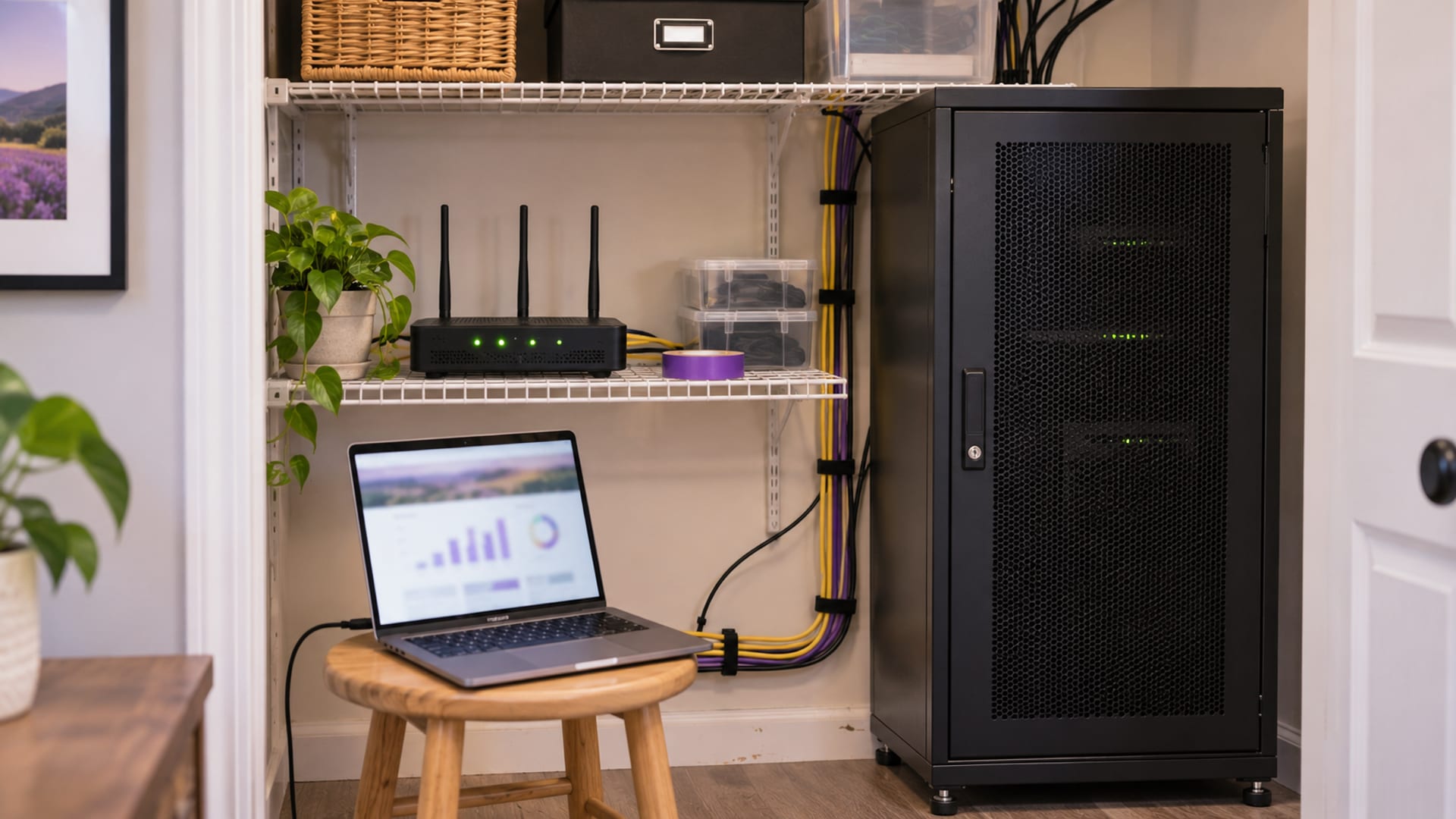
If you need branded email such as name@business.com and already own the domain, DreamHost Professional Email is the simplest fit when you want a mailbox without paying for a full office suite. Its main tradeoff is that DreamHost centers the service on email, webmail, storage and synchronization, while Google Workspace and Microsoft 365 add documents, calendars, meetings, storage and administration.
DreamHost displays Professional Email from $1.49 per mailbox per month on a two-year term, with 25 GB per mailbox. Professional Email Plus displays $4.49 per mailbox per month on a two-year term, with 100 GB per mailbox. The selected term is charged upfront, taxes are added at checkout, and the renewal rate should be confirmed before payment. Prices checked November 18, 2026.
Before choosing a plan, count individual mailboxes, shared addresses, aliases and forwarding addresses. Then check whether your current DreamHost hosting plan includes a temporary trial or ongoing email, where your domain DNS is managed, and whether 25 GB per mailbox is enough.
Key takeaways
- Choose DreamHost Professional Email for simple branded mail, webmail, IMAP, and 25 GB per mailbox.
- Choose Professional Email Plus when one mailbox needs 100 GB, but confirm the full renewal amount before paying.
- DreamHost email is separate from Google Workspace and Microsoft 365 collaboration tools.
- Use IMAP for Gmail, Outlook, Apple Mail, Android, and multiple devices.
- Keep your old mailbox active during a move, and verify incoming mail, sent mail, folders, aliases, and contacts.
- Test a key business address during the trial period or before moving every mailbox.
What DreamHost email is and who it fits
You are choosing between adding mail to an existing website plan, buying email while keeping the website elsewhere, or paying more for a full work suite. DreamHost Professional Email is standalone email hosting for a domain you already own. Your website can remain with another provider, provided the domain has the DNS records needed to route email to DreamHost.

DreamHost lists 25 GB per mailbox for Professional Email and 100 GB per mailbox for Professional Email Plus. Both tiers include ad-free webmail, mobile and desktop synchronization, IMAP access, and filtering for spam, viruses and phishing. DreamHost also says mailboxes are backed up automatically using snapshots.
That makes the service a reasonable match for a freelancer, solo business or small team that mainly needs addresses such as sales@business.com, billing@business.com and name@business.com. It is less suitable when the purchase is really about shared documents, online meetings, team calendars, device controls or large pooled storage.
All DreamHost web-hosting plans include a three-month Professional Email trial, with the number of available mailboxes depending on the hosting plan. DreamPress, Managed VPS and Dedicated plans include unlimited Professional Email at no added charge; that applies to those three plans only, so confirm the mailbox storage and usage terms on your plan before relying on it. Shared Starter, Web Hosting, Remixer and domain-only accounts can add Professional Email where another plan does not already supply it.
A domain registered elsewhere can stay with its current registrar. You need an active domain and correct DNS records, so check where those records are managed before you buy. If the domain registration expires, DreamHost says email will stop working.
What Professional Email costs and what you get
You are paying for mailbox access, not for a full productivity suite. DreamHost's displayed two-year rates are useful for comparing storage and mailbox costs, but they are not a monthly checkout charge. The full selected term is charged upfront, and taxes are added at checkout.
DreamHost's product page also offers monthly and yearly billing choices. Check the total for each on the final DreamHost checkout screen, along with the selected term, the amount charged upfront, taxes and the post-term renewal rate.
Professional Email gives each mailbox 25 GB of storage. That can cover regular client messages, invoices, attachments and ordinary business correspondence. Professional Email Plus raises the stated capacity to 100 GB, which is more suitable for a mailbox that keeps years of large attachments. It does not turn DreamHost into a shared document platform.
Both tiers include webmail at webmail.dreamhost.com, mobile and desktop synchronization, advanced spam filtering and aliases. DreamHost documents automatic delivery filters and mailbox snapshots. A provider snapshot can help with service recovery, but it is not the same as an archive you control. Export mail separately when the business must retain records.
The main cost question is the number of people who need separate logins. A shared address such as sales@business.com may be handled through an alias or forwarding arrangement, while an employee who needs a private inbox needs a separate mailbox and storage quota. Count those needs before comparing headline monthly rates, then compare the resulting annual total.
DreamHost's trial is separate from paid pricing. A hosting plan may include three months of Professional Email, while a standalone mailbox is paid service. DreamHost says trial email converts to the applicable paid service unless it is canceled before the trial ends.
DreamHost email compared with Google Workspace, Microsoft 365, Zoho and Proton
You are deciding whether a mailbox is enough or whether email should come with a working environment for documents, meetings, storage and administration. The entry plans below show why the cheaper option is not always the same product.

Google Workspace Business Starter is the more natural fit when the business already works in Gmail and needs Docs, Drive, Meet, shared calendars, online editing and administration. Google lists a 14-day free trial. The annual plan commits the selected licenses for at least one year, while flexible billing costs more but does not require the same annual commitment.
Microsoft 365 Business Basic fits a business that uses Word, Excel, Outlook and OneDrive. Microsoft lists 1 TB of storage per user, web and mobile Office apps, branded email, and Exchange Online Protection for spam, phishing and malware. Microsoft describes monthly and annual commitment options, with different cancellation consequences, so check the selected commitment rather than assuming the lowest displayed rate is flexible.
Zoho Mail Lite is the closest low-cost comparison. Zoho lists annual pricing of $1 per user per month for 5 GB or $1.25 per user per month for 10 GB, along with aliases and migration tools. Zoho's free plan is separate from Mail Lite, is limited to up to five users in selected data centers, and does not include IMAP, POP or ActiveSync. Readers focused mainly on low-cost custom email can compare the Zoho Mail review before choosing.
Proton Mail Essentials costs more than DreamHost and emphasizes privacy-oriented email and calendar features. Proton lists 15 GB per user, three custom domains, SMTP access, support for Outlook, Thunderbird and Apple Mail, password-protected emails, catch-all addresses and migration tools. Confirm the amount charged upfront and the renewal amount in Proton checkout.
DreamHost remains the narrowest service of the five. That is its advantage when you want a domain mailbox with familiar app access and do not need office software. It is the wrong comparison if you are really choosing a shared work platform.
A direct DreamHost comparison with GoDaddy or Bluehost requires matching mailbox size, included addresses, billing term, renewal price and collaboration features. Do not compare only the first displayed monthly number.
How to set up DreamHost email in Gmail, Outlook and on a phone
You can use DreamHost webmail immediately after creating a mailbox, or connect the address to the apps your business already uses. Start by creating the mailbox in DreamHost's Manage Email panel. Then confirm that the domain's DNS records point mail to DreamHost.
DreamHost lists these secure connection settings:
- IMAP:
imap.dreamhost.com, port 993 with SSL. - POP:
pop.dreamhost.com, port 995 with SSL. - SMTP:
smtp.dreamhost.com, port 587 with STARTTLS.
IMAP is the better choice for several devices because messages and folders remain on the server and synchronize. POP downloads mail locally, so Sent, Trash and other folders may not remain consistent across devices. A local device failure can also create a gap if server retention is not configured.
For Outlook, add a new account and choose manual or advanced setup when needed. Enter the full DreamHost email address and mailbox password. Use IMAP on port 993 with SSL or TLS for incoming mail, and SMTP on port 587 with STARTTLS for outgoing mail. DreamHost's Outlook mobile instructions also recommend IMAP.
On an iPhone, go to Settings, Mail, Accounts, Add Account, Other, and Add Mail Account. Select IMAP, enter the DreamHost incoming and outgoing servers, and keep the secure ports. DreamHost says Push is unavailable for its email account, so use Fetch or Manual. Send a message to an outside address and reply to it before relying on the setup.
Gmail involves two separate tasks. DreamHost documents using Gmail to retrieve Inbox messages through POP and using Gmail's "Send as" feature to send from the DreamHost address. The mailbox must be fully hosted, not only a forward-only or garbage address. Gmail should use smtp.dreamhost.com for outgoing mail.
DreamHost says Google removed the "Check mail from other accounts" workflow beginning in January 2026. Follow Google's current Gmail support instructions before you build a new import process. For Google Workspace, DreamHost documents an administrator migration tool or copying messages between accounts in Thunderbird, Outlook or another IMAP application. Keep the original mailbox active until all expected mail has appeared.
Before switching fully, run those test messages and checks. The steps to set up business email with your own domain are the next useful action if the domain and mailbox still need to be planned.
Security, spam filtering, backups and real-world tradeoffs
You want the address to be usable without treating a feature list as a guarantee of delivery or account safety. DreamHost documents filtering for spam, viruses and phishing, along with secure IMAP, POP and SMTP settings. Filtering can reduce unwanted messages, but legitimate mail can still land in spam and unwanted mail can still arrive.

DreamHost's acceptable-use policy prohibits unsolicited bulk email, phishing, impersonation, harvesting personal information and using its infrastructure to relay spam. Confirm sending-volume limits with DreamHost before using a mailbox for newsletters, bulk mail or transactional campaigns. A normal business mailbox is not automatically a marketing delivery service.
DreamHost says it automatically backs up mailboxes using snapshots. Keep a separate export for records the business must retain, because a provider backup is controlled by the provider and may not give you the archive format or retention period you need.
User reports describe mixed experiences, including spam placement, bounced messages, IMAP connection problems and support concerns. A Reddit thread dated October 24, 2026 describes users reporting an extended IMAP and webmail outage. These are user accounts, not independent uptime or deliverability measurements, so test a key address before moving everything. TechRadar's 2026 review describes IMAP support, ad-free webmail and built-in filtering, while noting that filtering does not catch every unwanted message.
A California Attorney General notice states that unauthorized access to a DreamHost File Manager server occurred between August 2026 and October 23, 2026, and that affected information potentially included webmail usernames, passwords and email contents. The notice does not mean every mailbox was affected. Use a unique password, review forwarding rules, and change credentials if DreamHost notifies your account about exposure.
Limits, support, renewal and cancellation terms
You need to know what happens after the first term, especially if email is included with hosting. DreamHost's terms state that services automatically renew at the then-current, non-promotional rate for the original contract length until canceled. Cancel through the Manage Account panel before the renewal date, and confirm the amount shown for the next term.
DreamHost's 30-day money-back guarantee applies to qualifying Website Hosting Services paid by credit card or PayPal. Email Service is excluded, along with domains, SSL certificates, trials and several add-ons. An email purchase does not have the same refund window as a website hosting purchase, so ask DreamHost billing about the email plan's cancellation and refund treatment before you buy.
The Professional Email knowledge base says canceling the plan leaves email active through the end of the current billing term. The plan can be reactivated during that remaining term, but canceling hosting does not create a refund for a separate email plan.
Support is available through email and live chat, with scheduled callbacks through the support process. DreamHost says support and live chat operate 24 hours a day, seven days a week, in English and Spanish. It does not provide a general call-in technical support number.
If your website uses shared hosting, check whether its email allowance is a three-month trial or an ongoing inclusion. Unlimited Professional Email at no additional charge comes only with DreamPress, Managed VPS and Dedicated plans, while other plans can have different mailbox quantities. Confirm the mailbox storage and usage terms on your plan.
What to check before moving your business email
Start with a mailbox inventory. List each private login, shared address, alias, forwarding address and contact who needs a separate storage quota. Then decide whether 25 GB is enough for the largest mailbox or whether 100 GB, pooled storage or a collaboration suite makes more sense.

Check where the domain DNS is managed and whether the website must stay at its current host. Email can remain with DreamHost while the website stays elsewhere, but the DNS records must route mail correctly. Check the domain renewal status as well, because an expired domain stops email.
Before paying, compare the exact current email plan, mailbox storage, renewal price and included applications on each provider's pricing page, since the figures above were checked November 18, 2026. Confirm the amount charged upfront and the post-term renewal rate on the final DreamHost checkout screen. For competing providers, check the exact commitment and annual total rather than comparing monthly figures from different billing terms.
Make a backup of existing mail before a move. Keep the old mailbox active until incoming mail, sent mail, folders, aliases, contacts and mobile access have all been checked. Test a key business address during the provider's trial period or before moving every address, and keep a backup address for critical communications.
For a WordPress site, email is only one part of the hosting decision. Before changing the website host, follow the steps to move a WordPress site without losing email or data. If you want the wider hosting comparison, read the DreamHost review covering plans, renewals, domains, and hosting fit.
Frequently asked questions
Does DreamHost have email hosting?
Yes. DreamHost offers Professional Email for a domain you own, with webmail, IMAP synchronization, mobile and desktop access, spam filtering and 25 GB per mailbox. Professional Email Plus raises the stated mailbox capacity to 100 GB.
How much does DreamHost email cost per month?
DreamHost displays Professional Email at $1.49 per mailbox per month on a two-year term and Professional Email Plus at $4.49 per mailbox per month on a two-year term, before taxes. The full term is charged upfront, and the exact monthly or yearly checkout total and renewal amount should be confirmed before payment. Prices checked November 18, 2026.
Can I self-host my own email?
Yes, but self-hosting is a different arrangement from DreamHost Professional Email. You would be responsible for server operation, security, backups, spam controls, DNS authentication and delivery reputation instead of having DreamHost maintain the mailbox service.
Is DreamHost webmail free?
Webmail is included with a DreamHost mailbox and does not have a separate browser-app charge. The mailbox itself can be paid, included with a qualifying hosting plan, or included temporarily during a hosting-plan trial.
Is DreamHost better than GoDaddy?
It depends on what you need. DreamHost documents 25 GB mailboxes, IMAP, ad-free webmail and filtering, but a fair comparison requires matching GoDaddy's current mailbox size, billing term, renewal price and collaboration features.
Is DreamHost better than Bluehost?
DreamHost fits a buyer who wants straightforward domain email with webmail and IMAP. Compare Bluehost's current mailbox availability, storage, renewal price and limits before choosing between them.
What is the best email hosting service for small businesses?
There is no single fit for every business. DreamHost suits a business that mainly needs branded mailboxes, Google Workspace and Microsoft 365 suit teams that need office software and administration, Zoho Mail suits low-cost custom email, and Proton emphasizes privacy-oriented email and calendar features.
Is DreamHost email secure?
DreamHost documents spam, virus and phishing filtering, secure IMAP and POP ports, SMTP STARTTLS and automatic mailbox snapshots. Those features do not guarantee inbox placement, prevent every malicious message, or prove that an account cannot be compromised.
How do I set up my DreamHost email account?
Create the mailbox in DreamHost's Manage Email panel, confirm the domain's DNS records, and connect through webmail or an email app. For most devices, use IMAP at imap.dreamhost.com on port 993 with SSL and SMTP at smtp.dreamhost.com on port 587 with STARTTLS.
How do I migrate my DreamHost email to Gmail?
For Google Workspace, DreamHost documents an administrator migration tool or copying messages between both accounts in an IMAP app such as Thunderbird or Outlook. For personal Gmail, verify Google's current supported import method because DreamHost says the previous "Check mail from other accounts" workflow began changing in January 2026.
How much does DreamHost cost?
The email-only product currently displays a starting two-year equivalent of $1.49 per mailbox per month for Professional Email. Website hosting, domains and Google Workspace are separate products or charges unless a selected plan explicitly includes them.
What is the cheapest email hosting?
The cheapest displayed price is not always the cheapest product, because the plans differ in storage, billing term and included tools. Among the providers compared above, Zoho Mail Lite starts at $1 per user per month on annual billing for 5 GB, while DreamHost displays $1.49 per mailbox per month on a two-year term for 25 GB. Compare the annual total and included tools before choosing.
Glossary
Find more reviews and guides on Even Reviews. Spotted something to correct? Contact us and include the page title.